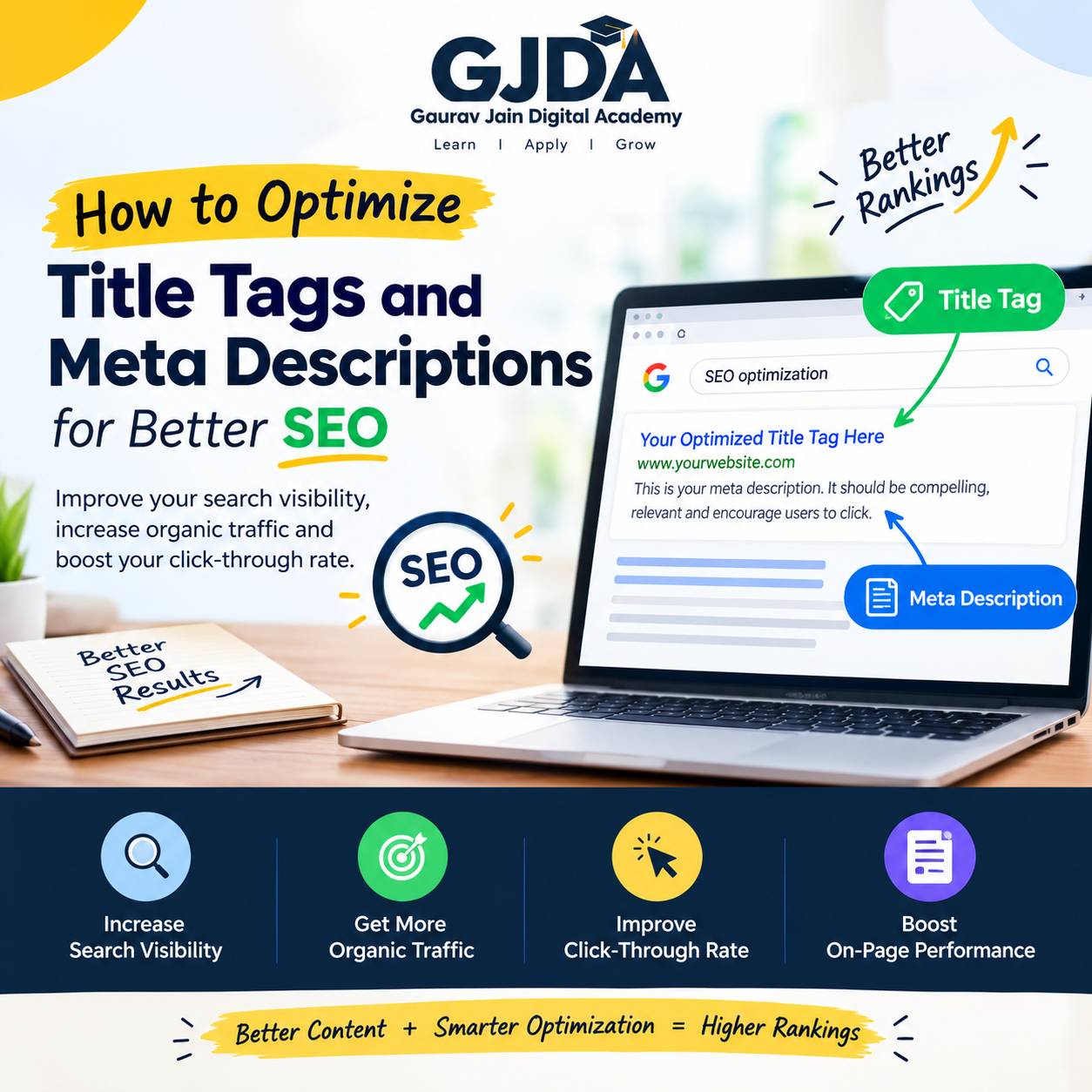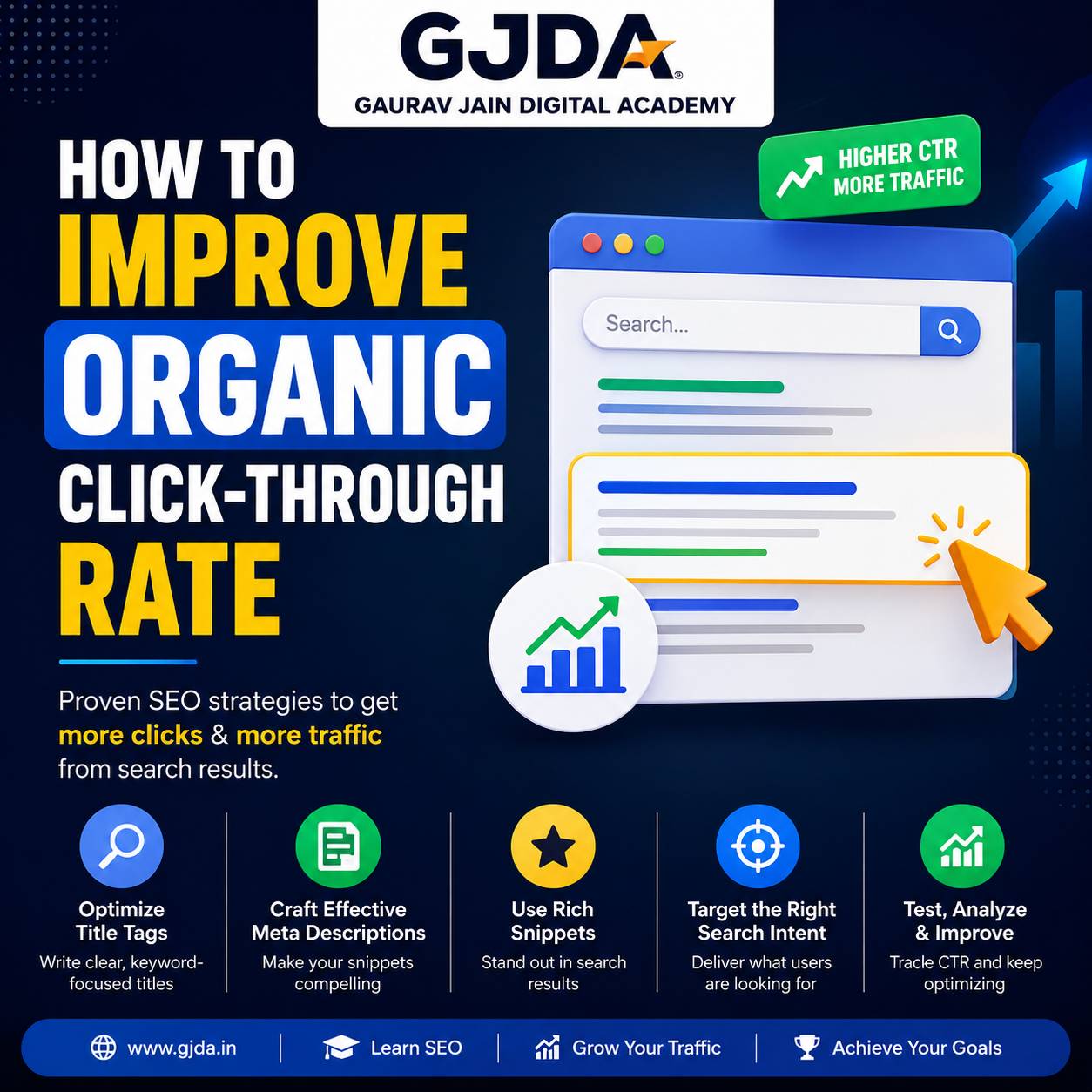
You have probably searched for a recipe, a local shop, or a product review and noticed some search results come with star ratings, prices, or a neat little FAQ dropdown right there on the results page. That's not luck. That's schema markup doing its job quietly in the background. If you run a website, blog, or small business page and you're not using it yet, you're leaving visibility on the table that your competitors might already be picking up.
This article is written the way I'd explain it in an actual classroom session at GJDA — no jargon dump, no assumption that you already know what "structured data" means. By the end, you'll understand what schema markup actually is, how search engines use it, where beginners usually mess it up, and how to add it to your own site without touching a line of confusing code (mostly).
What is Schema Markup?
Search engines like Google are good at reading text, but they're not great at understanding context on their own. When a crawler sees "5 stars," it doesn't automatically know that's a product rating unless something tells it so. Schema markup is that "something." It's a standardized code vocabulary — built on a shared framework called Schema.org — that you add to your website's HTML to label your content in a way machines can interpret precisely. Think of it like sticky notes for search engines. A human reading your page sees "Reviewed by 240 customers, 4.7 out of 5" and instantly understands it. A search engine, without labels, just sees text. Schema markup is the sticky note that says: this number is a rating, this word is a product name, this date is when the article was published.
It doesn't change what your page looks like to a visitor. It changes what Google (and increasingly, AI-driven search tools) understands about your page behind the scenes.
Why It Matters
Here's the honest answer most articles skip: schema markup does not directly boost your rankings. Google has said this multiple times, and I tell every batch at GJDA the same thing on day one so nobody walks in expecting magic. What it does instead is improve how your page is represented in search results — and that indirectly affects clicks, trust, and sometimes rankings over time because of better engagement signals. Rich results — those star ratings, recipe cook times, event dates, FAQ dropdowns — mostly come from properly implemented schema. A plain blue link competing next to a rich result with stars and pricing is at a real disadvantage, even if both pages rank in similar positions. If you've been trying to improve your organic click-through rate, schema is one of the more overlooked levers for that, honestly more overlooked than it should be given how little technical effort it takes once you know the syntax. There's also a newer reason this matters more in 2026 than it did five years ago. AI Overviews and other generative search features pull structured, labeled information far more reliably than they parse loose paragraphs. A page with clean schema is easier for these systems to extract and quote correctly. A page without it might get skipped entirely, even if the content itself is good.
How It Works
Schema markup runs on a shared vocabulary maintained collaboratively by Google, Bing, Yahoo, and Yandex at Schema.org. That vocabulary defines thousands of "types" — Article, Product, LocalBusiness, Recipe, Person, Event, FAQPage, and so on — each with its own set of properties you can fill in. There are three formats you can use to write this markup: Microdata, RDFa, and JSON-LD. Google has recommended JSON-LD for years now, and realistically, that's the only one you need to learn as a beginner. It sits as a separate block of code, usually inside the page's head section, and doesn't get tangled up with your visible HTML the way the other two formats do. That separation makes it much easier to add, edit, or remove without accidentally breaking your page layout. A basic JSON-LD block for a local business looks something like this conceptually — it declares the type of entity, then lists properties like name, address, phone number, and opening hours in a structured, machine-readable format. You don't write this by hand unless you're comfortable with code; most beginners generate it using a tool and then paste it into their site's HTML or a plugin field. Once it's on the page, Google's crawler reads the markup during indexing and, if the content qualifies and Google decides to show it, may generate a rich result. Note that word "may" — having schema markup does not guarantee a rich snippet. Google reserves the right to show or not show enhancements based on its own quality checks, competition, and relevance. This trips up a lot of beginners who add schema and expect instant stars under their listing the next day.
A Practical (Hypothetical) Example
Let's say a small bakery in Meerut wants to appear with a rating and price range in search results. This is a hypothetical walkthrough, not a real client case, but it illustrates the process well. The bakery owner would use LocalBusiness schema (or more specifically, Bakery, a sub-type) and fill in properties like name, address, telephone, price range, and opening hours. If they collect genuine customer reviews, they'd add AggregateRating and Review properties too — genuine being the operative word, because fabricated ratings violate Google's structured data guidelines and can get a site penalized. Once that JSON-LD block is added to the homepage and validated, the bakery's listing has a real (though not guaranteed) chance of showing star ratings and other details directly in search results, instead of a plain text snippet. Compare that to a competitor bakery with no schema at all — same content quality, same ranking position, but one listing visually stands out and the other doesn't. That visual gap is usually where the click-through difference comes from.
Benefits of Using Schema Markup
- Better visibility through rich results like star ratings, FAQ dropdowns, breadcrumbs, and product pricing
- Improved click-through rate, since visually enhanced listings tend to draw more attention on a results page crowded with plain text
- Higher chances of your content being accurately quoted or featured in AI-generated search summaries
- Clearer signals to search engines about what your content actually represents, reducing misinterpretation
- Voice search compatibility improves slightly too, since structured data helps assistants extract direct answers
None of these are guaranteed outcomes. They're probabilities that improve in your favor. I'd rather say that plainly than promise results I can't back up.
Challenges You Should Know About
Schema isn't difficult in the way, say, JavaScript debugging is difficult. But it comes with its own set of frustrations. The syntax has to be exact. A missing comma or an incorrectly nested property in JSON-LD can invalidate the entire block, and Google will simply ignore it — no error message shown to your visitors, no obvious sign anything's wrong unless you go check with a validation tool. That silent failure is probably the single most common reason beginners think "I added schema but nothing happened." Then there's the matching problem: your schema data has to reflect what's actually visible on the page. If you mark up a product as being in stock but the page shows "Out of Stock," that's a mismatch Google's guidelines specifically warn against, and it can lead to your rich results being suppressed or, in repeated cases, manual action against the site. And here's the honestly frustrating part — even when everything is technically correct, Google might still choose not to display a rich result. It depends on competition, page quality, historical trust signals, and factors Google doesn't fully disclose. You can do everything right and still not see stars in the results. That's just the reality of it.
Common Mistakes Beginners Make
A few patterns show up again and again with students who are new to this:
- Copy-pasting a generic schema template from a tutorial without editing the actual values — leaving placeholder text like "Your Company Name" live on the page
- Using the wrong schema type entirely, such as marking up a service page as a Product when it should be Service
- Adding review or rating schema without genuine reviews on the page — this is against guidelines, not a shortcut
- Forgetting to test the markup after publishing, so broken code sits unnoticed for months
- Stacking multiple conflicting schema types on the same page without understanding how nesting should work
That first one — leaving placeholder values in live code — happens more often than you'd expect, even among people who otherwise write careful content.
Best Practices
Stick to JSON-LD unless you have a specific technical reason not to. Validate every block before and after publishing, not just once. Use the most specific schema type available rather than a generic one — Bakery instead of just LocalBusiness, for instance, if the more specific type exists and fits. Keep your structured data in sync with your visible page content at all times; if the price changes on the page, update it in the schema too. And don't over-mark everything on a page hoping more schema means more benefit — irrelevant or excessive markup can do more harm than good. If you're auditing an existing website rather than starting fresh, it helps to treat schema as part of a broader technical check rather than a standalone task. A proper technical SEO audit usually catches missing or broken schema alongside other issues like crawl errors and page speed problems, so it's worth doing them together rather than in isolation.
Useful Tools
| Tool | What It's Used For |
|---|---|
| Google's Rich Results Test | Checking whether a page's schema qualifies for rich results |
| Schema Markup Validator (Schema.org) | Validating raw JSON-LD syntax against the official vocabulary |
| Google Search Console | Monitoring structured data errors and rich result performance over time |
| Merkle's Schema Markup Generator | Generating JSON-LD code for common types without writing it manually |
| Yoast SEO / Rank Math (WordPress plugins) | Auto-generating basic schema for posts, products, and reviews |
For most beginners, a schema generator plus the Rich Results Test is enough to get functional, error-free markup on a WordPress site without touching raw code directly.
Career Opportunities
Structured data knowledge isn't usually a standalone job title, but it's a skill that shows up on nearly every SEO job description now, especially for technical SEO and e-commerce SEO roles. If you're preparing for interviews in this field, expect at least one question about schema or rich snippets — it's become a fairly standard checkpoint. You can get a sense of how these questions are usually framed by going through common SEO interview questions before you sit for one. Small business owners handling their own marketing benefit too, not just job seekers. If you're already managing your business's presence across platforms — say, running a Facebook page alongside your website — understanding schema fits naturally alongside broader digital marketing basics like Facebook marketing for beginners, since both are about making your business easier to discover. And with AI-driven search tools becoming a bigger part of how people find information, it's worth understanding how AI is changing search engine optimization more broadly — schema is one small piece of a larger shift happening in how search works right now.
Practical Assignment
Pick any page on a website you manage — your own, a friend's, or a hypothetical business page you're practicing on. Identify what type of content it is (a blog post, a local business, a product, an FAQ section). Write out, on paper first, which schema type fits and which three to five properties you'd fill in. Then generate the actual JSON-LD using a free tool, paste it into the page, and run it through Google's Rich Results Test. If it comes back with errors, fix them one at a time rather than regenerating from scratch — that's usually where the real learning happens, in the debugging, not the first attempt.
Frequently Asked Questions
Does schema markup guarantee rich results in Google?
No. It makes your page eligible, but Google decides independently whether to display a rich result based on relevance, quality, and other factors it doesn't fully share.
Is schema markup a ranking factor?
Not directly, according to Google's own statements. It influences how results appear rather than where they rank, though better presentation can indirectly improve click-through rate and engagement.
Which schema format should beginners learn first?
JSON-LD. It's Google's recommended format, easier to add and edit, and doesn't interfere with your page's visible HTML.
Can I add schema markup without coding knowledge?
Yes, mostly. WordPress plugins like Rank Math or Yoast SEO auto-generate common schema types, and free generator tools handle the JSON-LD syntax for you. You'll still need to understand which type fits your content, though.
What happens if my schema data doesn't match my page content?
Google may ignore the mismatched markup, suppress rich results for that page, or in repeated or severe cases, take manual action. Keeping data accurate matters more than adding lots of it.
Do I need different schema for every page on my site?
Not every single page, but different content types generally need different schema. A blog post might use Article, a product page uses Product, your homepage might use Organization or LocalBusiness.
Is FAQ schema still worth using?
It depends. Google restricted FAQ rich results to certain verified sites in recent years, so the visual payoff isn't as reliable as it once was. It's still worth adding for the structured-data clarity, even if the rich snippet itself doesn't always appear.
Can schema markup hurt my SEO if done incorrectly?
Directly, rarely. Indirectly, yes — mismatched or manipulative structured data (like fake ratings) can lead to rich results being disabled for your site or, in serious cases, manual penalties.
How long does it take to see results after adding schema?
There's no fixed timeline. It depends on how often Google recrawls your site, and even after recrawling, rich results may take additional time to appear, if they appear at all.
Do small websites benefit from schema markup as much as large ones?
Arguably more, in some cases. A small local business competing against bigger, more established sites can use rich results as one of the few free ways to visually stand out in search results.
Conclusion
Schema markup isn't the flashiest part of SEO, and it won't fix a weak content strategy or replace solid keyword research. What it does is give search engines a clearer, more precise read on content you've already built — and in a search landscape increasingly shaped by AI summaries and rich visual results, that clarity is worth the relatively small effort it takes to implement. Start small. Pick one page, one schema type, validate it, and build from there. If you'd rather learn this hands-on with proper guidance instead of piecing it together from scattered tutorials, GJDA's beginner's course covers schema markup as part of its broader technical SEO training, and the detailed curriculum lays out exactly where this topic fits alongside everything else you'd need to actually work in SEO professionally. You can look through what GJDA offers if you want structured, classroom-style learning rather than figuring it all out alone.