Master Flipkart Selling with Proven Strategies to Build and Scale a Successful Online Business
2 Articles
 Aug 12, 2026
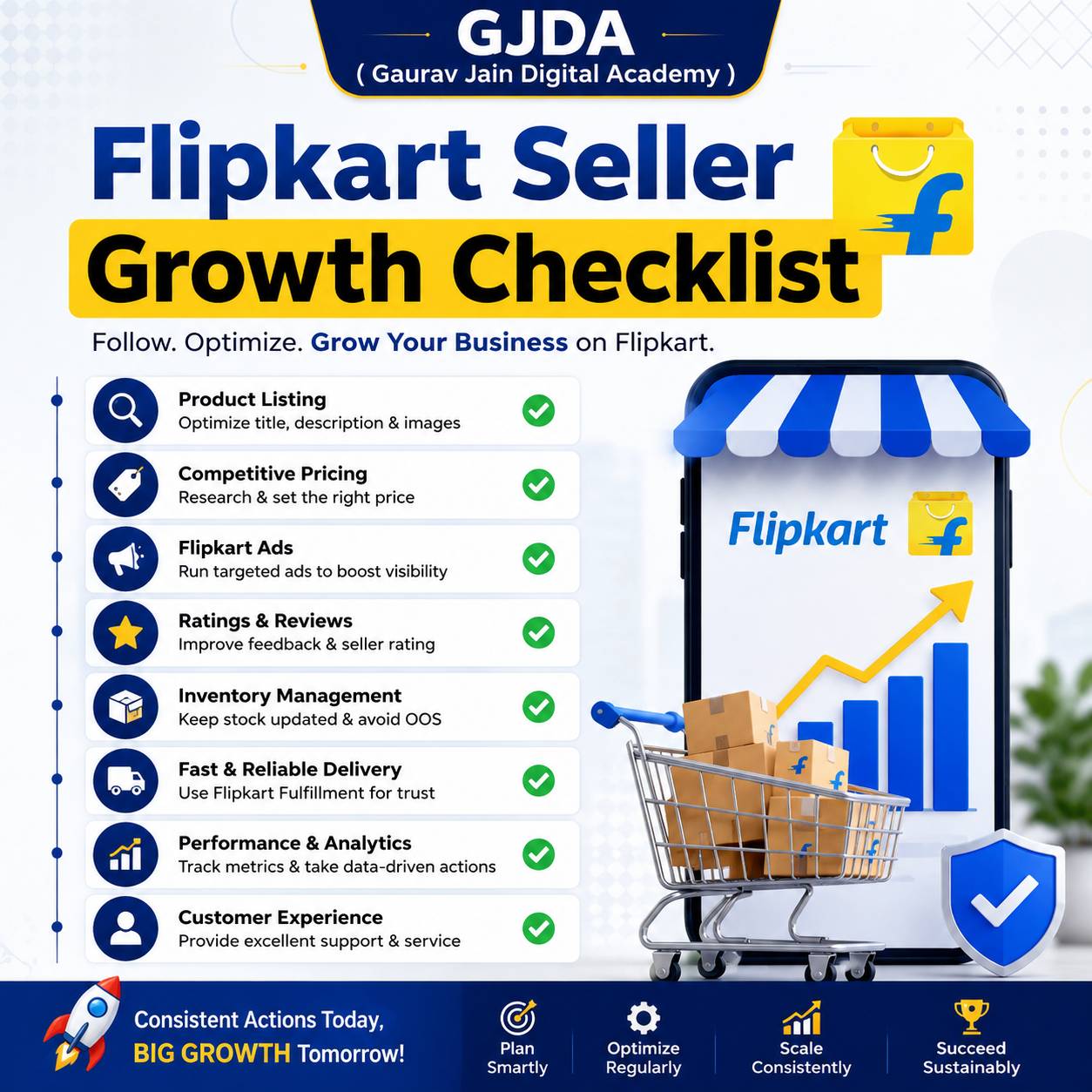
Flipkart Seller Growth Checklist for Sustainable Sales
Use this Flipkart Seller Growth Checklist to improve listings, pricing, ads, ratings, inventory, and customer experience for sustainable sales growth.
 Aug 03, 2026
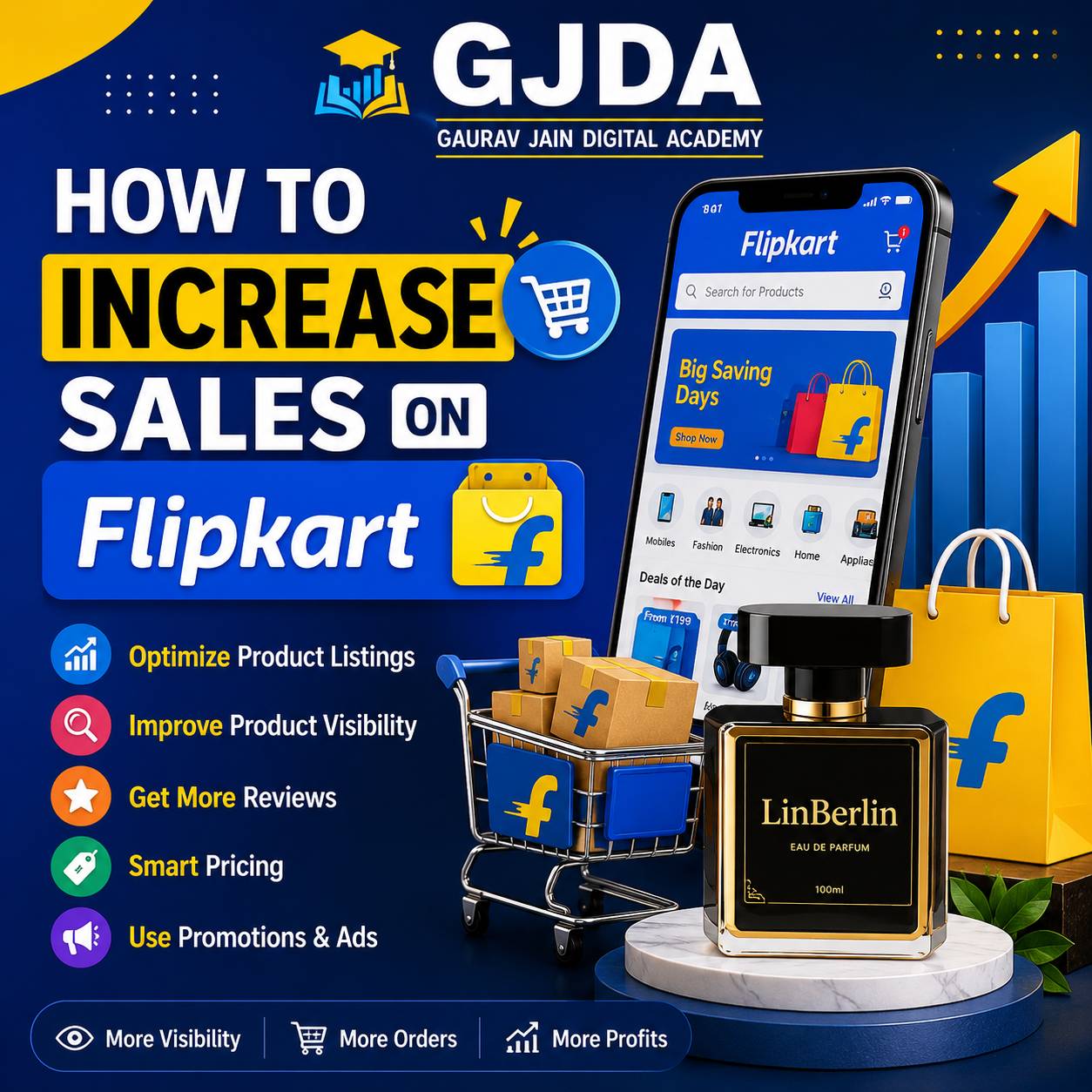
How to Increase Sales on Flipkart with Proven Strategies to Boost Rankings and Orders
Learn proven Flipkart selling strategies to increase sales, improve product rankings, win the Buy Box, optimize listings, and boost conversions in 2026.
A home decor seller we know runs nearly identical products on both Amazon and Flipkart, and her Flipkart account consistently pulls a better return rate on ad spend during festive months — Big Billion Days specifically outperforms her Amazon Great Indian Festival numbers by a noticeable margin, year after year. That's not true for every category, and we'll get into why, but it's exactly the kind of platform-specific detail that generic "how to sell online" content never covers.
This page is Flipkart-specific. Registration through Seller Hub, listing optimization, advertising, fulfillment options, and the mistakes that trip up sellers who assume Flipkart works exactly like Amazon. It mostly doesn't.
What Is Selling on Flipkart?
Selling on Flipkart means listing and fulfilling products through Flipkart's marketplace platform, using Seller Hub to manage your catalog, pricing, inventory, and orders — Flipkart itself doesn't manufacture or stock most of what it sells; independent sellers do, similar in structure to Amazon but with its own algorithm, fee schedule, and seller tools that don't map one-to-one onto what Amazon sellers already know.
India's second-largest online marketplace by most estimates, Flipkart carries particular strength in categories like electronics, fashion, and home goods, with a customer base skewing noticeably toward tier 2 and tier 3 cities compared to Amazon's more metro-heavy skew. That audience difference actually matters for product and pricing decisions, not just as a trivia fact.
Why It Matters
Here's something a lot of sellers get wrong early — they treat Flipkart as a secondary channel, an afterthought bolted onto an existing Amazon business, and copy their Amazon listings over with minimal changes. That approach genuinely underperforms. Flipkart's search algorithm weighs different signals, its customer base has different price sensitivity in a lot of categories, and its advertising and promotional calendar (Big Billion Days being the standout event) creates spikes that reward sellers who prepare inventory and ad budgets specifically for it, months in advance rather than the week before.
It also matters because single-marketplace dependency is genuinely risky. A policy change, an account health flag, or an algorithm shift on one platform can tank revenue overnight if that's your only channel. Sellers running both Amazon and Flipkart, even at different scales, tend to weather platform-specific disruptions better.
How Flipkart Seller Hub Actually Works
Registration requires a GST number for most categories, a business bank account, and PAN details — Flipkart, like Amazon, generally won't onboard sellers without proper GST registration except in specific GST-exempt categories, so get that sorted before anything else. Once approved, Seller Hub is where you manage everything: catalog uploads, pricing, inventory across warehouses, order processing, advertising campaigns, and performance dashboards.
| Step | What Happens |
|---|---|
| 1. Registration & GST setup | Business verification, bank details, GST number submission |
| 2. Category approval | Some categories (electronics, certain fashion subcategories) require additional approval |
| 3. Catalog creation | Product listings with title, images, bullet points, and category-specific attributes |
| 4. Fulfillment setup | Choose Flipkart Fulfillment (Flipkart Assured) or self-ship |
| 5. Advertising & promotions | Flipkart Ads (similar structure to Sponsored Products), deal participation |
Flipkart Assured, the platform's fulfillment program comparable to Amazon's FBA, stores your inventory in Flipkart warehouses and handles picking, packing, and shipping — products under Assured get a visible trust badge that measurably improves conversion, similar to how Prime eligibility works on Amazon. Self-shipping remains an option and makes sense for sellers with existing logistics infrastructure or products that don't suit centralized warehousing well, oversized furniture being a common example.
A Real-World Example
A kitchen appliances seller launched a new product — an electric spice grinder — simultaneously on Amazon and Flipkart to compare platform performance directly. Same product, same price, same launch week. On Flipkart, the listing gained traction faster initially, largely attributed to lower category competition at the time and a Flipkart Ads campaign that had a noticeably lower cost-per-click than the equivalent Sponsored Products campaign running on Amazon for the same keywords.
By month three, Amazon had pulled ahead in raw volume, partly due to its larger overall customer base, but Flipkart maintained a better ad spend efficiency throughout, meaning net profitability per unit sold was actually comparable despite the volume gap. The seller's conclusion, which we think is broadly right: don't assume one platform is universally "better" — run both, watch the actual numbers for your specific category, and let the data decide where to push harder.
Benefits of Selling on Flipkart
- Strong reach into tier 2 and tier 3 Indian cities, which can be genuinely underserved by competitors focused mainly on metro-heavy Amazon audiences.
- Big Billion Days and other flagship sale events drive massive traffic spikes that, with proper inventory and ad prep, translate into real revenue jumps — some sellers report a third or more of their annual revenue concentrated in these event windows.
- Generally lower advertising competition than Amazon in a number of categories, which can mean better cost-per-click and cost-per-acquisition, at least for now.
Challenges
Flipkart's return and refund culture skews higher in certain categories, particularly fashion, where "try and return" behavior is common and built into customer expectations. This affects your effective margin more than the listed return rate might suggest, since packaging, restocking, and quality-check costs add up on every returned item, not just the ones that turn out to be defective.
Seller performance metrics — order defect rate, late shipment rate, cancellation rate — are strictly enforced, and falling below thresholds can result in listing suppression or account holds. This isn't dramatically different from Amazon's approach, but the specific thresholds and grace periods differ, and assuming Amazon's rules apply here is a mistake we've seen sellers make more than once.
Category approval for certain product types, especially electronics and some regulated categories, can take longer than expected and sometimes requires additional documentation or brand authorization letters, which catches new sellers off guard when they expect to list immediately after registration.
Common Mistakes
- Copy-pasting Amazon listings directly without adjusting for Flipkart's specific keyword and category attribute requirements — this genuinely hurts discoverability.
- Underestimating inventory needs before Big Billion Days and running out of stock mid-sale, losing both the immediate revenue and the ranking boost that sustained sales velocity would have provided.
- Ignoring Flipkart Assured eligibility requirements and wondering why conversion lags behind self-shipped competitors with the trust badge.
- Setting prices without checking Flipkart's specific fee structure, which differs from Amazon's in category commission rates and can quietly eat more margin than sellers budget for.
- Neglecting the review and rating request process, assuming it works identically to Amazon's — the mechanics and timing windows are different enough to matter.
Best Practices
Build your product listing around Flipkart's own keyword behavior, not a direct port from Amazon — run keyword research specifically within Flipkart's search bar autocomplete and check what competing listings in your category are actually ranking for.
Prepare for major sale events at least six to eight weeks ahead — inventory levels, updated product images highlighting any deal pricing, and ad budget increases planned in advance rather than reactive scrambling during the event itself.
Opt into Flipkart Assured where your product and margins support it. The trust badge and faster delivery promise genuinely move conversion in most categories, similar to the Prime effect on Amazon.
Monitor your seller performance dashboard weekly, not monthly. Catching a rising cancellation rate or shipment delay pattern early is far easier to fix than discovering it after a listing suppression notice.
Useful Tools for Flipkart Sellers
| Category | Tools |
|---|---|
| Listing & catalog management | Flipkart Seller Hub's native tools, Unicommerce for multi-channel inventory sync |
| Analytics & performance tracking | Flipkart's Growth Center dashboard, SellerApp (multi-marketplace) |
| Advertising management | Flipkart Ads Manager |
| AI-assisted listing copy | Claude or ChatGPT for draft descriptions, adjusted for Flipkart's format requirements |
| Multi-marketplace inventory sync | Unicommerce, Increff |
Career and Business Opportunities
Flipkart-specific listing optimization and ads management is becoming its own niche skill within the broader marketplace management field, distinct enough from Amazon expertise that agencies increasingly look for sellers or consultants with hands-on Flipkart Seller Hub experience specifically, not just general marketplace knowledge.
Earning potential runs a wide range depending on category, capital, and how well a seller prepares for the major sale events that drive a disproportionate share of annual Flipkart revenue — sellers who treat Big Billion Days as their single biggest planning priority each year tend to outperform those who treat it as just another sale week. There's no fixed number here; it depends heavily on category margins and how much a seller reinvests in ads and inventory during peak windows.
If you want structured guidance instead of learning Flipkart's specific quirks through costly trial and error, our Flipkart Seller Training Course covers Seller Hub setup, listing optimization, Flipkart Ads, and sale-event preparation with hands-on practice, including GST and compliance guidance specific to Indian sellers.
Practical Assignment
Pick a product category you're interested in selling. Search that product on Flipkart and note the top five listings' pricing, review counts, and whether they carry the Assured badge. Then check the same product category on Amazon and compare pricing and review volume side by side. Write down two specific differences you notice between how the top listings present themselves on each platform — this comparison teaches you more about platform-specific positioning than reading either platform's guidelines alone.
Frequently Asked Questions
Do I need GST to sell on Flipkart?
For most product categories, yes — GST registration is required, with limited exemptions for certain categories. Check current category-specific requirements directly since exemptions do get updated.
Is Flipkart or Amazon better for new sellers in India?
It depends on your category and target customer base — Flipkart often has lower ad competition and stronger reach into tier 2/3 cities, while Amazon typically has a larger overall customer base and more mature seller tools. Many experienced sellers run both rather than choosing one.
What is Flipkart Assured and is it worth it?
It's Flipkart's fulfillment program, comparable to Amazon FBA, where Flipkart stores and ships your inventory and adds a trust badge to your listing. For most categories with decent margins, yes — the conversion lift from the trust badge and faster delivery typically outweighs the fulfillment fees.
How much does it cost to start selling on Flipkart?
There's no upfront platform fee to register, but you'll need capital for inventory, product photography, and initial advertising — a reasonable starting budget is similar to Amazon, often in the range of ₹1-3 lakh depending on category and initial order quantity.
What is Big Billion Days and how should sellers prepare?
It's Flipkart's flagship annual sale event, driving a significant traffic and sales spike. Sellers should prepare inventory, updated listings, and ad budgets at least six to eight weeks in advance rather than reactively during the event.
How does Flipkart's algorithm decide search ranking?
Similar to Amazon in principle — keyword relevance, conversion rate, sales velocity, and review quality all factor in, though the exact weighting and Flipkart-specific attributes differ enough that direct Amazon strategies don't always transfer cleanly.
Can I sell the same products on both Amazon and Flipkart?
Yes, and many sellers do — just be prepared to optimize listings separately for each platform's specific keyword behavior and category requirements rather than copy-pasting one to the other.
What happens if my Flipkart seller performance metrics drop?
Falling below thresholds for order defect rate, late shipment rate, or cancellation rate can lead to listing suppression or account holds. Monitoring your Seller Hub performance dashboard regularly helps catch issues before they escalate.
Is Flipkart advertising expensive compared to Amazon?
Generally more affordable in a number of categories due to lower seller competition, though this varies by category and can shift over time as more sellers join. It's worth testing both platforms' ad costs directly for your specific product rather than assuming based on general trends.
Is Flipkart selling a good full-time business or side income?
Both are realistic depending on capital and time invested — some sellers run it as a side business alongside other income, while others scale it into a full-time operation, particularly once they've built momentum around major sale events and repeat customer relationships.
Flipkart isn't simply "Amazon with a different logo," and treating it that way is probably the single most common mistake we see new sellers make — the algorithm, the customer base, and the sale calendar all reward sellers who learn Flipkart specifically rather than porting over assumptions from elsewhere. Check the related reads below on Amazon selling and marketplace SEO for the wider context, and if you'd rather learn Flipkart selling with structured, hands-on guidance, our Flipkart Seller Training Course is built around exactly this roadmap.