Google Display Network Guide: How It Works, Who Should Use It, and How to Run Your First Campaign
Most people meet the Google Display Network by accident. They visit a shoe website once, and for the next two weeks those shoes follow them around a news site, a recipe blog, even a mobile game. That's the Display Network at work. And if you're a business owner, the real question isn't "how does it follow people?" but "can it bring me customers without burning my budget?"
Sometimes yes. Often, not on the first try. This guide explains how the network works, how to set up and target a campaign, where beginners go wrong, and when you should skip Display altogether. The search intent here is clearly informational: you want to understand the thing before you spend money on it. So that's what we'll do.
What the Google Display Network actually is
It's a collection of websites, apps, and Google-owned properties (YouTube and Gmail among them) where advertisers can show banners, images, and other visual ads. Google describes it as reaching millions of sites and apps, and I'd rather not quote a precise figure because it changes. Publishers who join through Google AdSense or similar programs agree to let ads appear in their space; you bid to appear there.
The key difference from Search ads: on Search, someone types a query and you respond. On Display, nobody is asking for anything. You're interrupting them, politely if you've done it well, annoyingly if not.
Why it matters (and why it gets a bad reputation)
Display is built for awareness and for bringing back people who already know you. It is rarely the cheapest way to get a first sale from a stranger. Realistically, if you expect Display to behave like Search, you'll be disappointed within a week.
Why bother then? Because most buyers don't convert on the first visit. A person looks at your product, gets distracted, and leaves. Display lets you stay visible to them cheaply. Clicks on Display are usually cheaper than on Search, but the clicks are also less intentional. That trade-off is the whole story.
| Feature | Search ads | Display ads |
|---|---|---|
| Who sees it | People actively searching | People browsing, watching, reading |
| Format | Text mostly | Images, responsive assets, sometimes video |
| Best for | Capturing existing demand | Building awareness, remarketing |
| Typical click quality | Higher intent | Lower intent, needs filtering |
| Main risk | Expensive keywords | Junk placements, wasted clicks |
How it works behind the scenes
When a page loads, an auction runs in milliseconds. Google looks at the available ad space, who might be viewing it, and which advertisers are eligible. Your bid, your ad quality, and how well your targeting matches the moment decide whether you appear.
You control three levers. Targeting decides who sees the ad. Creative decides whether they care. Bidding decides how much you pay for the chance.
Targeting: the part that decides your results
There are two broad styles. Audience targeting follows the person; content targeting follows the page. Beginners often mix them without understanding the difference, then wonder why results are muddy.
- Audience segments: these include affinity groups (people with long-term interests, like fitness), in-market groups (people actively researching a purchase category), custom segments you build from keywords or URLs, and your own data, such as website visitors for remarketing.
- Content targeting: placements (specific websites or YouTube channels you choose), topics, and keywords that match page content.
- Demographics: age, gender, parental status, household income in some regions. Handy as a filter. Poor as a strategy by itself.
Google also offers optimized targeting, which expands beyond your chosen audience when it predicts conversions. It can help once you have conversion data. With none, it's guessing. Start tight, widen later.
Ad formats you'll actually use
Responsive display ads are the default for most advertisers. You upload images, logos, headlines, descriptions, and Google assembles combinations that fit each slot. Limits on the number of assets and image sizes have been adjusted over the years, so check the current requirements inside your account before preparing creative. As a rough guide, you'll want a landscape image and a square image at minimum, plus your logo.
Uploaded image ads give you pixel-level control (standard sizes like 300x250 and 728x90 are common), but they only fill the slots that match your sizes. More control, less reach. It depends on whether your brand look matters more than volume.
One more thing. Google has been reshuffling its campaign types, with Display assets also appearing inside Performance Max and Demand Gen campaigns. Menus move; the thinking doesn't. Verify the current setup screen before following any step-by-step tutorial, including this one.
A hypothetical example
Imagine a small furniture shop in a mid-sized Indian city that sells handmade wooden beds. This is a made-up scenario, not a client story. The owner runs Search ads for "wooden bed" and gets clicks, but most visitors leave without enquiring.
A sensible Display plan: first, create a remarketing audience of people who visited the product pages in the last 30 days. Second, build responsive display ads showing the actual beds with a clear line like "Free home measurement visit". Third, exclude the audience that already enquired. Fourth, cap frequency so nobody sees the ad ten times a day.
Would this work? Possibly. If the site gets very little traffic, the audience list will be too small and the campaign will barely run. That's a common reason remarketing "fails" for new businesses: not bad ads, just no one to remarket to.
Benefits worth taking seriously
Visual reach is the obvious one. You can show a product, not just describe it. Remarketing is the second, and honestly the strongest for small budgets. Third, cost per click is generally lower than Search, though I wouldn't promise a number because it varies by industry and country.
There's a quieter benefit too: Display forces you to think about creative. Weak images sink the campaign no matter how clever the targeting is.
Challenges and trade-offs
Accidental clicks, especially on mobile apps, where a thumb slips onto a banner. Placements on low-quality sites. Conversions that look good in the report but don't turn into real customers. Display also gets credit disputes: someone saw your banner, later searched your brand, and bought. Which ad "won"? Attribution models help, but there isn't one correct answer.
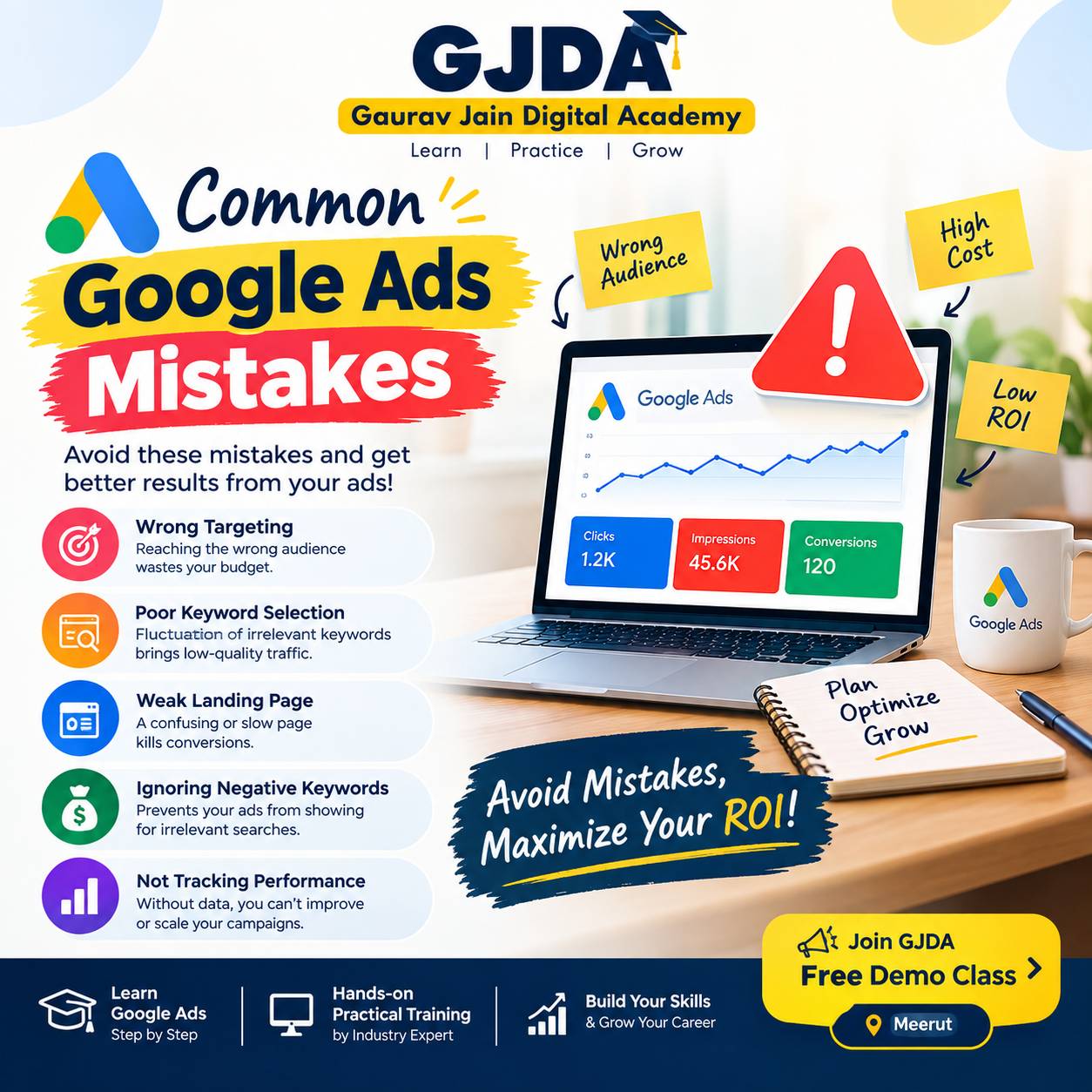
Common mistakes I see beginners make
- Running broad targeting with automated bidding from day one, before any conversion tracking exists.
- Never checking the placements report. Some sites send you a lot of clicks and zero value, and you only find out if you look.
- Using one blurry stock image and expecting responsive ads to rescue it.
- Judging success by CTR alone. Display CTRs are naturally low, and a high one can even signal accidental clicks.
- Sending every click to the home page rather than a page that matches the ad's promise.
- Ignoring frequency, so the same person sees the ad until they get irritated with the brand.
Best practices that hold up
Set up conversion tracking first. Not second. Without it, bidding strategies like target CPA or maximize conversions have nothing to learn from.
Separate your campaigns by purpose: one for prospecting (new audiences), one for remarketing. Mixing them hides which side performs. Review the placements report weekly in the first month and exclude sites or apps that waste spend. You can also exclude categories such as games apps or sensitive content at the account level if they don't suit your brand.
For bidding, here's a simple progression: begin with manual CPC or maximize clicks only if you have no data and a tiny test budget, then move to conversion-focused bidding once you've collected a reasonable number of conversions. How many is "reasonable"? Google's guidance varies, and in practice it depends on your account. If a campaign only produces a handful of conversions a month, automated bidding may stay unstable.
Test creative one change at a time. A new headline, then a new image. Change everything and you learn nothing.
If your business sells products with a feed, remember that Display isn't the only visual option; product-based Shopping campaigns often make better first investments for e-commerce, and Display then supports them through remarketing.
Useful tools
- Google Ads account: placements report, audience insights, and asset reports are all there.
- Google Analytics: to see what Display visitors do after landing. Link it to your Ads account.
- Canva or Figma: for building clean images in square and landscape sizes.
- Google's ad preview tools: to check how responsive ads appear across slots.
- A simple spreadsheet: yes, really. Log each change and its date. You'll thank yourself in a month.
Career opportunities
Display knowledge is part of the standard toolkit for a PPC executive, paid media analyst, or in-house performance marketer. Interviewers tend to ask how you'd handle low-quality placements or why a remarketing list isn't serving, so practise explaining your reasoning, not just the settings. A good set of Google Ads interview questions will show you what employers look for.
If you prefer structured guidance over self-study, we run online classes where campaigns like these are built step by step, and you can see how our institute approaches training. Self-learning with a small test budget works too, honestly, as long as you keep notes.
Practical assignment
Pick a real or imaginary business and do this over a week, using a small daily budget if you have an account:
- Write down one goal: leads, sales, or brand visits. Just one.
- Install conversion tracking and confirm it fires with a test action.
- Create a remarketing audience of website visitors, even if it's too small to serve yet.
- Build one responsive display ad with at least one landscape image, one square image, a logo, and three headlines.
- Launch a prospecting campaign using one in-market audience, with a low daily budget.
- After five to seven days, open the placements report and list three places you'd exclude, with a reason for each.
The reasons are the point. Anyone can click "exclude."
Frequently asked questions
Is the Google Display Network free?
No. Publishers earn when ads appear on their sites, and you pay via clicks or impressions depending on your bidding choice.
What is the difference between Display Network and Search Network?
Search shows text ads when someone types a query. Display shows visual ads while people browse sites, apps, YouTube, or Gmail.
Is Display good for lead generation?
It can be, particularly through remarketing and in-market audiences. Cold prospecting for leads usually needs a strong offer and good landing page. Results vary.
How much budget do I need to start?
There isn't a fixed figure. Enough to collect meaningful data over a couple of weeks, which depends on your cost per click and conversion rate.
Why are my Display clicks high but conversions zero?
Usually weak placements, accidental app clicks, a mismatch between ad and landing page, or broken conversion tracking. Check placements first, then tracking.
What are the best image sizes for display ads?
Responsive ads need landscape and square images; uploaded ads use fixed sizes like 300x250. Requirements change, so confirm inside your account.
Can I choose exactly which websites show my ads?
Yes, through managed placements. Be aware that limiting to a few sites can reduce volume sharply.
What is a good CTR for Display ads?
Much lower than Search. There's no universal benchmark worth trusting, and chasing a high CTR can lead you toward accidental clicks.
Does Display work for small local businesses?
It can, using location targeting and remarketing. Very small traffic, though, means small audiences, and then Search or local campaigns might be the better first step.
How do I stop my ads showing on bad websites?
Use placement exclusions, content exclusions, and review the placements report regularly.
Where to go from here
Display rewards patience and checking your own work. Start with remarketing, keep tracking clean, read the placements report, and don't judge it by Search standards. When you're ready to learn more beyond Display, a broader look at paid search, analytics, and conversion tracking will make every campaign type easier to run.