Common Google Ads Mistakes: What Beginners and Small Businesses Get Wrong (and How to Fix Each One)
Most Google Ads accounts don't fail because Google Ads is broken. They fail because of a handful of quiet, boring settings that nobody checked on day one. A wrong location option. A keyword match type left on its default. A conversion that was never set up. The ad spend leaks out slowly, and because the dashboard still shows clicks and impressions, it feels like something is happening.
If you searched for this topic, you probably want a straight answer to one question: what are the mistakes people make, and how do I avoid them? That's what this article does. I'll cover the mistakes in the order they usually hurt, explain why each one costs money, and be honest about the places where the answer is "it depends."
What counts as a Google Ads mistake?
Anything that makes you pay for clicks that were never going to become customers, or stops you from learning which clicks do. That's the working definition I use. Notice it has two halves. Wasted spend is the obvious one. The less obvious one is lost learning, because an account with no measurement can run for six months and teach you nothing.
Why these mistakes matter more than they seem
Google Ads is an auction, and you pay per click, not per result. So a mistake isn't a one-time error. It repeats every time someone clicks. A small leak, multiplied by hundreds of clicks a month, becomes a real budget problem for a small business. And the platform won't warn you. Google's automation will happily spend what you give it, even when your setup is pointing it in the wrong direction.
How a Google Ads account actually works (the short version)
You choose a goal, a location, a budget and a bidding method. You pick keywords or let Google pick audiences. Someone searches, Google decides whether your ad enters the auction, and ranks you using your bid plus ad quality. You pay when they click. What happens next, on your website, is where most accounts quietly fall apart. Every mistake below sits somewhere in that chain.
Mistake 1: No conversion tracking
This one comes first because everything else depends on it. If Google doesn't know what a "good" click looks like (a call, a form fill, a purchase), it can't optimise for it, and you can't judge the account either.
Beginners often track only page views, or nothing at all, and then judge the campaign on clicks. Clicks are cheap to buy and easy to inflate. They prove people arrived, not that anyone wanted what you sell.
Set up at least one real conversion before you spend seriously. For a local business, that might be phone-call clicks and contact-form submissions. For a shop, purchases. And check that it actually fires, because a tag that's installed but broken is worse than none: it gives you confidence in wrong numbers.
Mistake 2: Using broad match without a safety net
Broad match lets your ad appear for searches loosely related to your keyword. Sometimes that's useful. With a fresh account and no data, it's often expensive.
Hypothetical example: you run a small coaching centre and bid on "digital marketing course" in broad match. Your ad might show for searches about free courses, jobs, or a completely different subject. You paid for each of those clicks.
Does this mean broad match is always bad? No. Paired with good conversion data and strong negative keywords, it can find searches you'd never have thought of. But starting there, with no data, is gambling. Phrase and exact match give you more control while you're still learning what your customers actually type.
Mistake 3: Ignoring the search terms report
Your keywords are what you asked for. The search terms report shows what people actually typed. Those two lists are often further apart than beginners expect.
Open it weekly at first. Look for searches that clearly don't match your offer, and add them as negative keywords. "Free," "jobs," "salary," "PDF," "meaning" are common offenders, depending on your business. I'll be honest: this is unglamorous work, and it's probably the single highest-return habit in the whole platform.
Mistake 4: Wrong location settings
It's a small option, easy to miss. Google's default targeting can include people who merely show interest in your target location, not just people physically there. For a local service, say, a salon in one city, that can bring clicks from people who'll never visit.
Check the advanced location options and choose what fits your business. A tourism business might genuinely want "interest" targeting. A neighbourhood clinic almost certainly doesn't.
Mistake 5: Sending every click to the homepage
Someone searches "emergency AC repair" and lands on a homepage with a slider, five services, and a blog link. They leave. The ad was relevant; the landing page wasn't.
A good landing page repeats what the searcher asked for, shows the next step clearly (call, form, buy), and loads quickly on a phone. Google also factors landing page experience into ad quality, so a weak page raises your costs on top of losing the visitor.
When might the homepage be fine? When your business is genuinely tiny and the homepage is the offer. That's rare.
Mistake 6: Mixing too many things in one campaign or ad group
Throwing fifty unrelated keywords into one ad group means one generic ad has to serve them all. It rarely matches any of them well. Group keywords by theme, write ads that speak to that theme, and send them to the matching page. It takes longer. It also gives you cleaner data about what's working.
Mistake 7: Letting automation run without enough data
Smart bidding strategies need conversion data to learn from. Turn on "maximise conversions" with zero tracked conversions and the system is steering blind.
Automation isn't the enemy, though. It handles bidding signals no human can watch in real time. The mistake is switching it on too early, then walking away. Give it clean data first, and keep checking.
Mistake 8: Treating every network the same
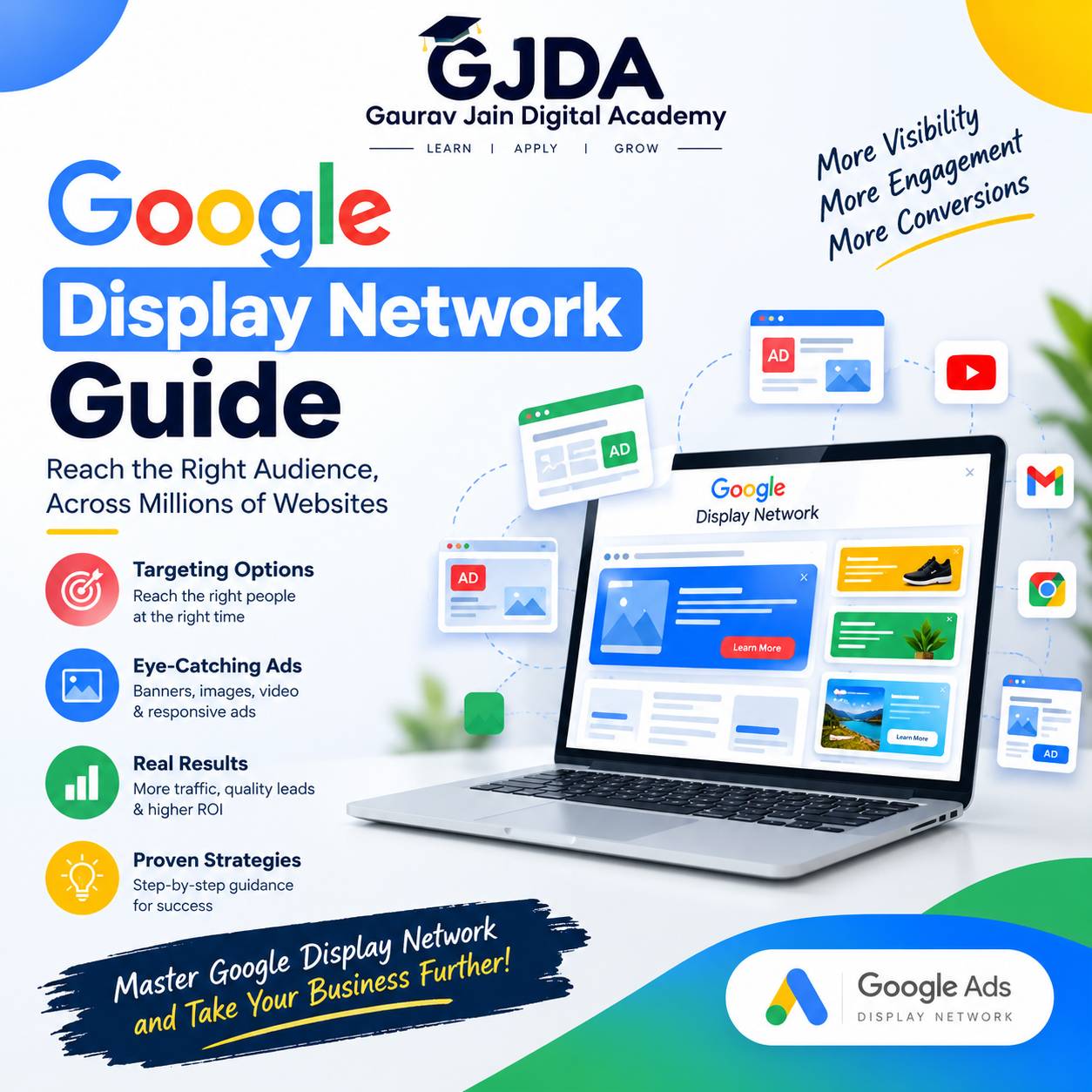
Search ads, display ads, shopping ads and video ads behave differently. People on search have intent. People browsing a website see a display banner while thinking about something else. Beginners sometimes leave network expansion switched on in a search campaign without noticing, then wonder why traffic quality dropped. If you're curious how the display side works and when it makes sense, this breakdown of the Display Network explains it clearly. Retailers should also understand how Shopping ads pull product data from a feed, because it's a very different setup from keyword-driven text ads.
Mistake 9: Changing things too often (or never)
Two opposite problems. Some beginners edit bids, ads and budgets every day, so nothing runs long enough to produce a readable result. Others set the campaign up once and never look again.
There isn't one correct rhythm. Based on my own working habit: check spend and search terms often in the first few weeks, then make fewer, deliberate changes, and give each change enough time to show an effect. How long is "enough" depends on how much traffic you get. A low-volume account may need weeks; a busy one, days.
Mistake 10: Choosing Google Ads when it isn't the right fit
This isn't a setup error, but it's still a mistake. If your product has almost no search demand, or your margin is too thin to afford the click costs, no amount of tuning will rescue it. It's worth asking that question before spending, and this guide on situations where Google Ads is the wrong choice walks through it.
A real-world style example (hypothetical)
Imagine a small dental clinic that spends ₹30,000 a month. No conversion tracking, broad match keywords, "interest" location targeting, and every ad pointing to the homepage. At month's end the report shows plenty of clicks and a few phone calls nobody can attribute.
Now picture the same clinic after fixes: call and form conversions tracked, exact and phrase match for core treatments, negatives added from the search terms report, location limited to people in the service area, and a dedicated page per treatment. Same budget. The difference isn't magic; it's that every rupee now has a job and a way to be measured. (These numbers are illustrative only, not from a real account.)
Benefits of fixing these mistakes
- Less budget wasted on irrelevant searches.
- Clearer data, so decisions stop being guesses.
- Better ad quality signals, which can lower what you pay per click over time.
- Smarter use of automation, because it learns from real outcomes.
- Faster learning, even on a small budget.
Challenges you'll still face
Fixing mistakes doesn't guarantee results. Competitors bid against you. Costs vary by industry and season. A small budget limits how fast you can gather data, and some businesses simply have thin margins. Anyone promising guaranteed sales from Google Ads is selling something.
Quick comparison: mistake, cost, and fix
| Mistake | What it costs you | Practical fix |
|---|---|---|
| No conversion tracking | No way to judge results; weak automation | Set up and test calls, forms or purchases |
| Loose match types | Irrelevant clicks | Start tighter; add negatives |
| Ignoring search terms | Repeated waste on the same bad queries | Review weekly early on |
| Wrong location option | Clicks from non-customers | Check advanced location settings |
| Homepage landing | Visitors leave; quality suffers | Match page to ad and keyword |
| Over- or under-editing | No readable data, or stagnation | Fewer, deliberate changes |
Best practices for beginners
- Define one clear goal before you build anything. Calls? Sales? Leads?
- Install and test conversion tracking first.
- Begin with a small number of tightly themed ad groups, not a giant list.
- Write ads that match the searcher's words, then honestly deliver that promise on the landing page.
- Check the search terms report regularly and keep a negative keyword list that grows.
- Set a budget you can afford to learn with, and don't judge the account after three days.
One more thing, and it's more attitude than tactic: treat the first month as paid education. Your early data is imperfect, but it tells you what people really search for, which is usually different from what you assumed.
Useful tools
- Google Ads search terms report – shows what people actually typed.
- Keyword Planner – rough idea of search volume and related terms. Treat the numbers as estimates.
- Google Analytics – shows what visitors do after the click.
- Google Tag Manager – helpful for managing conversion tags without editing site code every time.
- PageSpeed Insights – quick check for slow landing pages.
Career opportunities
Companies of every size need people who can run paid search without wasting money. Roles include PPC executive, paid media specialist, performance marketer, and freelance Google Ads consultant. Employers and clients tend to care less about certificates than about whether you can show decisions and outcomes. If you're building that proof, a well-structured Google Ads portfolio matters, and preparing for hiring conversations with common Google Ads interview questions helps too.
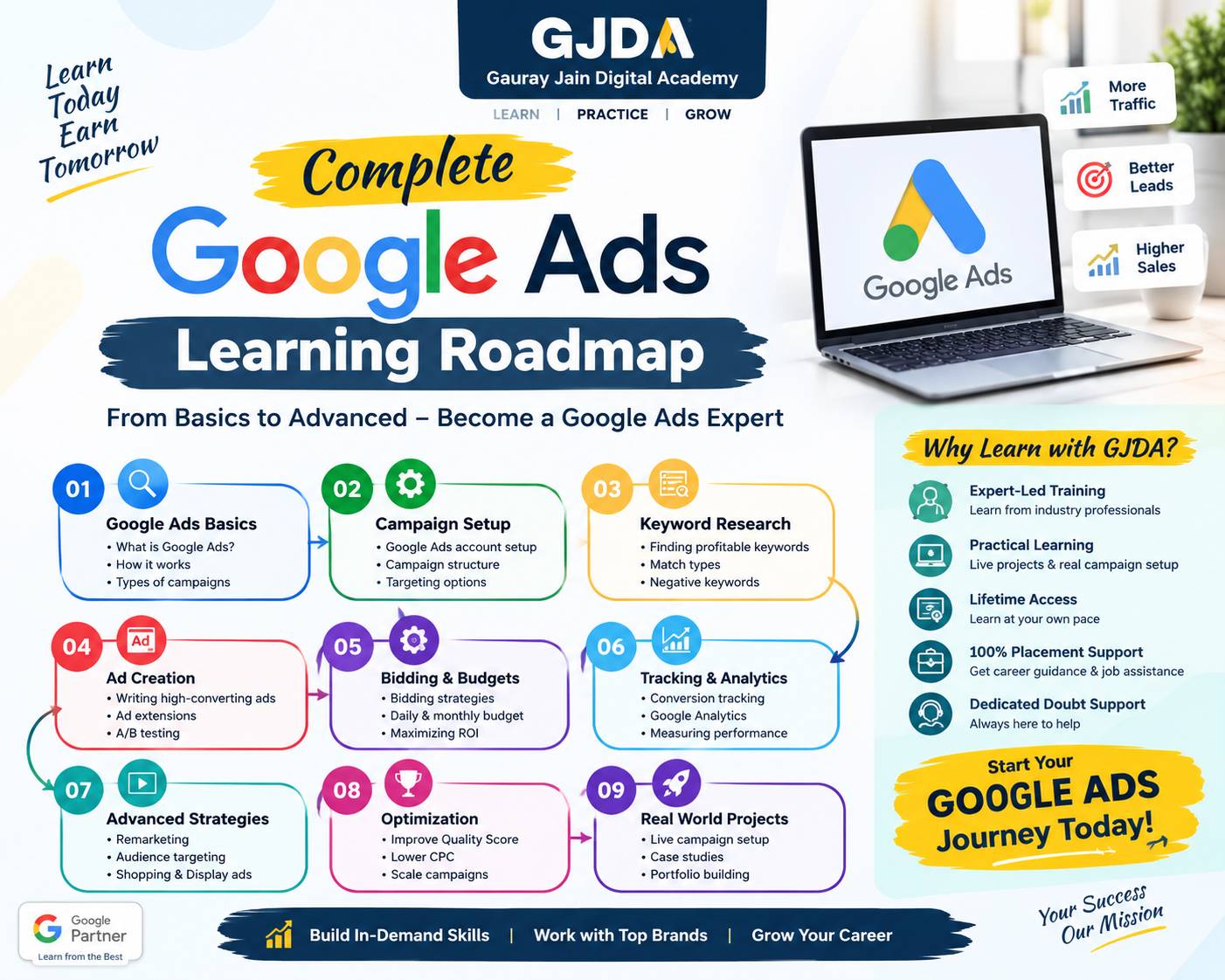
For structured, hands-on Google Ads Training, a course that makes you build and audit real campaigns is more useful than one that only covers theory. Some learners prefer classroom training because they can ask questions the moment something confuses them; others do fine with self-study. Both can work. And if you want to see what a full learning path covers before deciding, the our training center curriculum page lists the topics in order.
Practical assignment: audit an account in 45 minutes
If you already run a campaign, do this. If you don't, use a friend's or a practice account, with permission.
- Confirm conversion tracking exists and records a test action.
- Open the location settings and check which targeting option is selected.
- Export the last 30 days of search terms. Highlight every term that clearly doesn't fit the offer.
- Add at least five negative keywords from that list.
- Click each ad's final URL. Does the page match the ad's promise? Note what's missing.
- Write down three changes you'd make, and one thing you'd leave alone and why.
That last point matters. Knowing what not to touch is part of the skill.
Frequently asked questions
Why is my Google Ads budget finishing so fast?
Usually broad targeting, high-cost keywords, or irrelevant search terms. Check the search terms report and your match types first. A daily budget set too low for the keywords you chose can also make it vanish in a few clicks.
Why do I get clicks but no leads?
Typically a landing page problem, a mismatch between ad and offer, or untracked conversions that make real leads look like zero. Look at all three before blaming the platform.
Is broad match always bad?
No. It can work with strong conversion data and good negatives. For beginners with no data, tighter match types tend to be safer.
How long should I wait before judging a campaign?
It depends on traffic volume. A few days is almost never enough. Low-traffic accounts may need several weeks before patterns become reliable.
Can I run Google Ads without a website?
Technically you can run call-focused ads, but a proper landing page usually converts better and builds trust.
Do I need an agency, or can I manage it myself?
A small account can be managed yourself if you're willing to learn and check it regularly. Bigger budgets or complex setups often benefit from experienced help. There isn't one right answer.
What is a good click-through rate?
There's no universal number. It varies widely by industry, keyword intent, and ad position. Compare against your own account's history rather than chasing a figure from the internet.
Why is my ad not showing?
Common reasons include low budget, low ad rank, limited bids, policy disapproval, or narrow targeting. The ad status and the policy section of your account usually point to the cause.
What are negative keywords and why do they matter?
They tell Google which searches should not trigger your ad. They stop you paying for clicks that were never relevant.
Is it worth running Google Ads on a small budget?
Sometimes. A small budget works best with a narrow local focus and tight keywords. It works poorly in highly competitive, expensive categories.
Conclusion
Most Google Ads problems trace back to a few repeat offenders: untracked conversions, loose targeting, unchecked search terms, and landing pages that don't match the ad. None needs advanced skill to fix, just attention and patience.
Start with measurement, tighten what you're paying for, and make changes one at a time so you can see what each one did.
Good ad accounts are rarely clever; they're checked.