Most people who start learning Google Ads open the platform, click "Create campaign", and stop somewhere around the third screen because nothing makes sense. That's not a talent problem. It's an order problem.
Google Ads looks like one tool, but it's really five or six skills stacked together: understanding search behaviour, writing persuasive copy, reading numbers, setting up tracking, managing budgets, and (this one surprises people) knowing when not to spend money. Learn them in the wrong order and you'll waste both time and ad budget. Learn them in the right order and the platform becomes surprisingly logical.
This roadmap is the order I'd follow if I were teaching you in a classroom, with the reasons behind each step, and the places where it doesn't work the same way for everyone.
What is this roadmap actually for?
If you searched for a Google Ads learning roadmap, you probably want three things: a sequence of topics, a rough idea of how long each will take, and some sense of what "good enough" looks like at each stage. That's what you'll get here.
Google Ads is the platform where you pay to appear in Google Search results, on YouTube, on partner websites, in Google Shopping, and in a few other places. You typically pay when someone takes an action (usually a click), which is why it's called pay-per-click advertising. A roadmap simply tells you which parts to learn first so you aren't overwhelmed.
Why bother learning it properly?
Because a badly run campaign costs real money, quickly. Unlike a blog post that quietly sits there, an ad account spends your budget every day whether or not it's working.
The flip side is that it's one of the few marketing skills where feedback is fast. Run an ad today, see data tomorrow. That loop is the best teacher you'll get, but only if you know what you're looking at.
Also worth saying: if you're a small business owner, you might not want to become an expert. You might just want to understand enough to hire someone sensibly and not get fooled by reports full of impressive-looking numbers. This roadmap works for that too. Just stop earlier.
The roadmap at a glance
| Stage | Focus | Rough time (part-time learner) |
|---|---|---|
| 1. Foundations | How search advertising works, auctions, basic terms | 1 week |
| 2. Keywords and intent | Keyword research, match types, negative keywords | 1–2 weeks |
| 3. Building Search campaigns | Account structure, ad copy, extensions (assets), landing pages | 2 weeks |
| 4. Tracking and measurement | Conversion tracking, Google Analytics 4, Tag Manager | 1–2 weeks |
| 5. Bidding and budgets | Manual vs automated bidding, CPA, ROAS | 1–2 weeks |
| 6. Other campaign types | Display, YouTube, Shopping, Performance Max | 3–4 weeks |
| 7. Optimisation and reporting | Search terms, testing, diagnosing problems | Ongoing |
Those timings are my rough estimates for someone studying a few hours a week. They're not a rule. Some people move faster because they already know marketing; others need longer on tracking because it's fiddly. Fine either way.
Stage 1: Understand the auction before touching the platform
Skip this and everything later feels like guesswork.
When someone types a search, Google runs a quick auction among advertisers who want to appear for it. The winner isn't simply the highest bidder. Your bid matters, but so does the quality of your ad and the page it leads to. Google summarises this partly through Quality Score, a 1 to 10 diagnostic based on expected click-through rate, ad relevance and landing page experience.
Here's the thing many beginners miss: Quality Score is a diagnostic, not a goal. Chasing a 10 for its own sake is a distraction. It's useful as a hint that something in your ad or page doesn't match what people searched for.
Learn these terms first: impression, click, CTR, CPC, conversion, conversion rate, CPA and ROAS. Write each in your own words. If you can't explain conversion rate to a friend, you're not ready for Stage 2.
Stage 2: Keywords are really about intent
Someone searching "running shoes" and someone searching "buy Nike Pegasus size 9 online" are both interested in shoes. Only one is close to buying. That gap is what keyword research is about.
Start with Google's Keyword Planner (free with an account) and also just type ideas into Google and look at autocomplete and related searches. Group keywords by intent: people researching, people comparing, people ready to act.
Then learn match types: broad, phrase and exact. Exact is tighter and more predictable. Broad reaches further, especially now that Google leans on automation, but it can also wander into irrelevant searches. Which one is right? It depends on your budget and how well your tracking works. With little data and a small budget, I'd lean tighter. With good conversion data, broad match paired with smart bidding can work well. Honestly, there isn't one correct answer.
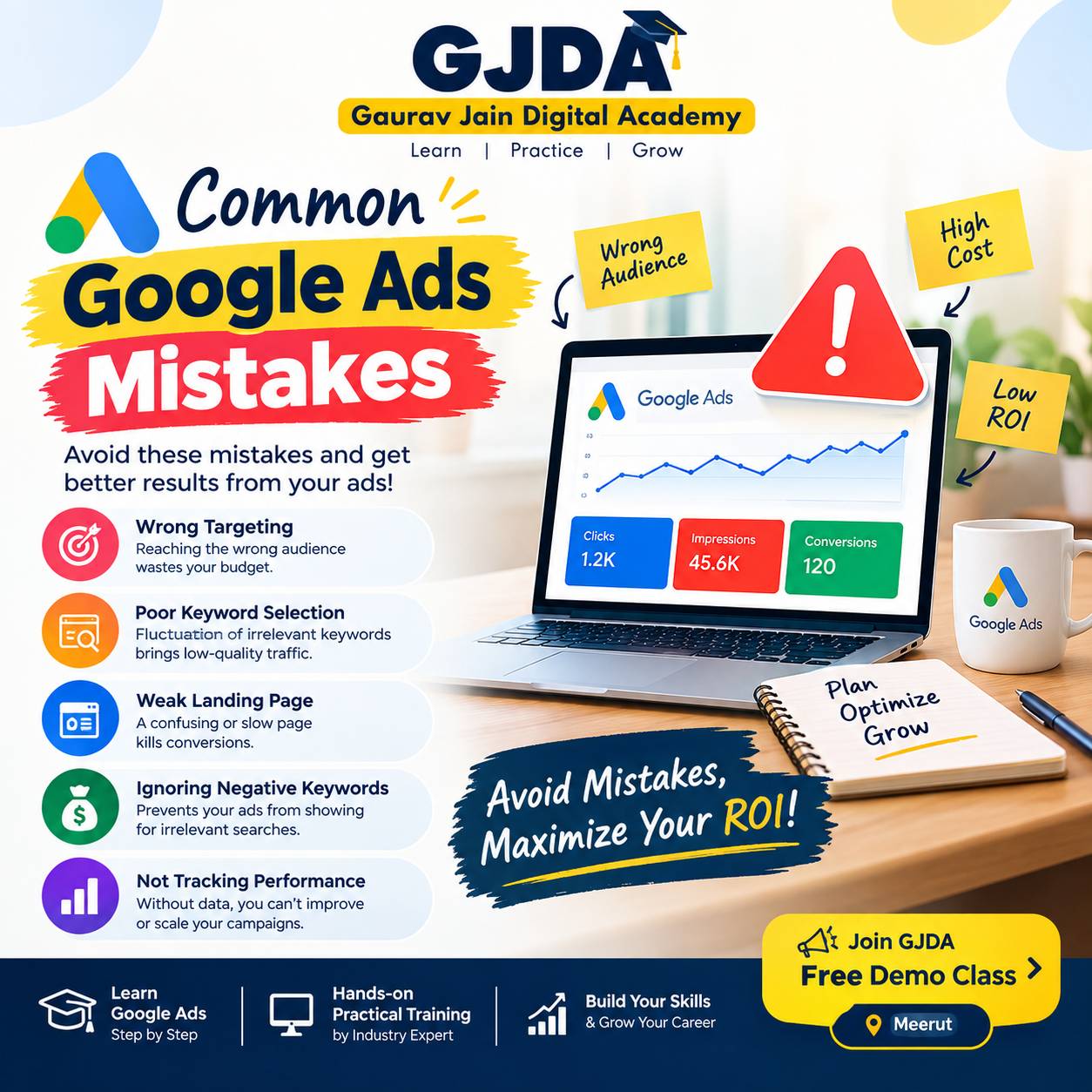
Negative keywords are the part beginners skip and then regret. If you sell premium software, you probably don't want clicks from people searching "free". Add "free" as a negative keyword. It sounds trivial. It saves money.
Stage 3: Build a Search campaign on paper first
Before opening the platform, sketch the structure: one campaign per goal or product line, ad groups inside it built around tightly related keywords, and ads written for each group.
A hypothetical example: a local dental clinic might have one campaign for "teeth whitening" and another for "emergency dentist", because the audience, urgency and budget differ. Mixing them means one budget fights over both.
For ad copy, write headlines that echo what the person searched, state one clear benefit, and finish with an action. Google's responsive search ads mix your headlines and descriptions automatically, so give it varied options rather than ten near-identical lines.
And the landing page. Please don't send every click to your homepage. If someone searched for "wedding photographer in Dehradun", the page should be about wedding photography, not a general studio introduction. A perfect ad pointing to a confusing page still loses money.
Stage 4: Tracking, the unglamorous skill that decides everything
You can't improve what you can't measure. Set up conversion tracking so Google knows what counts as success: a form submission, a phone call, a purchase, a WhatsApp click.
Learn three tools here: the Google Ads conversion tag, Google Tag Manager (which helps you place and manage tags without editing site code every time), and Google Analytics 4 (which shows what people do after they click). Linking Analytics to Ads is worth doing.
Where this goes wrong: people count the wrong thing. If "page view of the thank-you page" fires twice, or a button click is counted as a lead, your numbers look great and mean nothing. Test your tracking by doing a fake conversion yourself.
Tracking is dull. It's also the reason automated bidding works or fails.
Stage 5: Bidding and budgets
Manual CPC gives you control but takes attention. Smart Bidding strategies like Maximize conversions, Target CPA and Target ROAS let Google's system adjust bids for each auction using signals you can't see.
Automation isn't magic though. It needs accurate conversion data and enough volume to learn from. A new account with three conversions a month has little to learn from, so a simpler approach can make more sense at the start. Once data builds up, move to automated strategies and change one thing at a time.
Budget wise, there's no universal number. Work backwards: if a lead is worth a certain amount to your business and you can afford to pay a portion of that for it, your budget should be able to buy enough clicks to produce a few conversions within a reasonable period. Too little budget and you'll never collect enough data to judge anything.
Stage 6: Other campaign types
Only after Search feels comfortable. Each of these behaves differently:
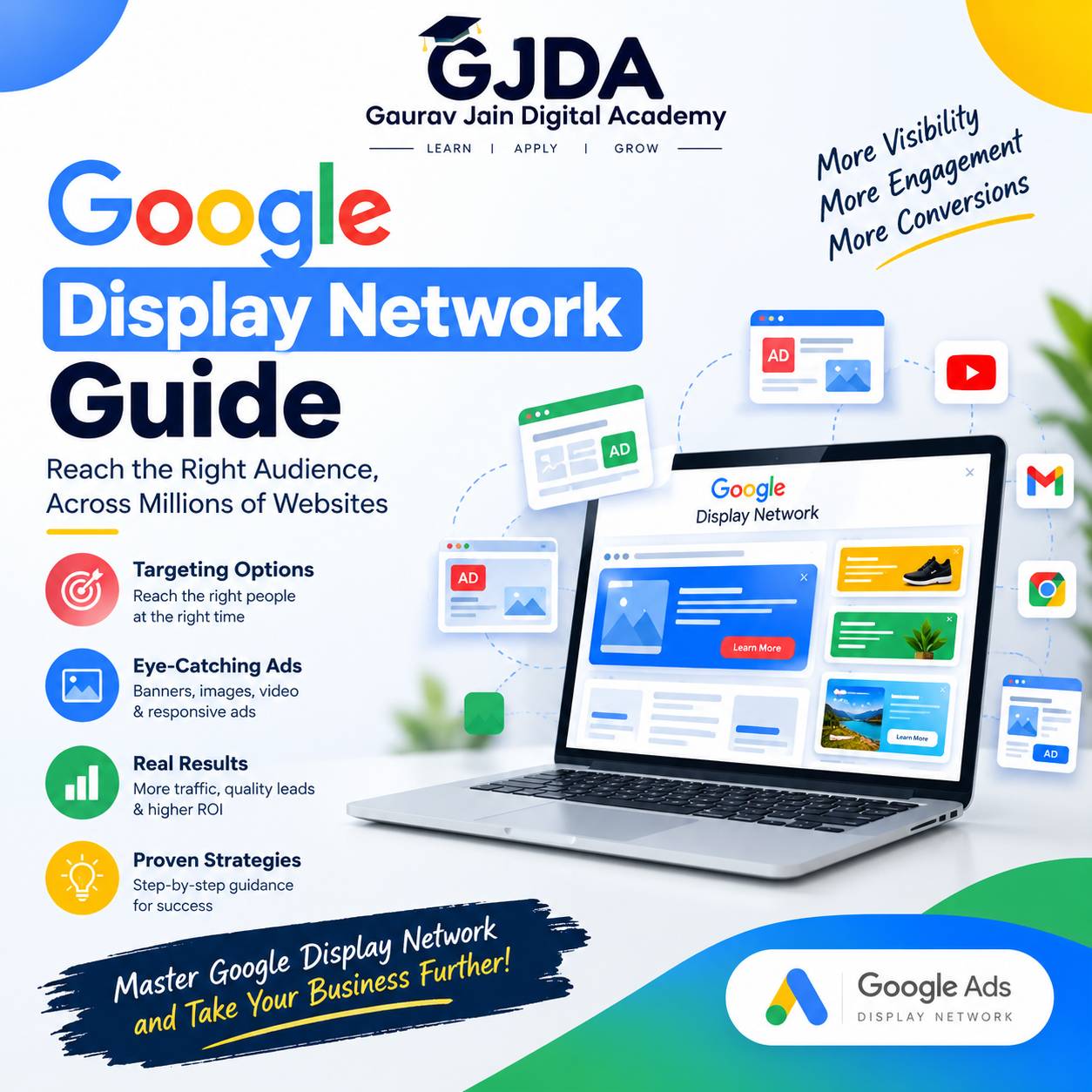
- Display: banners across websites. Good for reminding people who already visited you (remarketing), usually weak for direct sales from cold audiences.
- YouTube and video: useful for awareness and consideration; you'll want to measure it differently than Search.
- Shopping: product listings with images and prices, powered by a product feed. If you sell physical products, this is where a lot of ecommerce results come from, and this practical guide to how Shopping ads work explains the feed side clearly.
- Performance Max: Google's automated campaign type running across its inventory from one setup. It saves effort but gives you less visibility, so I'd avoid it until you have solid tracking.
Stage 7: Optimise, and actually read the search terms report
This is where campaigns are made or broken. Check the search terms report regularly to see what people actually typed before clicking. You'll find surprises, both wasted clicks (add negatives) and unexpected winners (add as keywords).
When testing, change one variable at a time: one headline theme, one landing page, one bid strategy. If you change five things and results move, you learn nothing.
Also don't panic over a single day. Data on small budgets is noisy. Judge over a sensible period rather than reacting to yesterday.
A realistic example (hypothetical)
Imagine a small business owner selling handmade candles online with a modest monthly budget. A sensible path: start with Search only, use exact and phrase match on a small keyword set like "soy candles online", add negatives such as "DIY" and "wax melts recipe", and send traffic to a matching category page. Track purchases properly. After enough conversions accumulate, consider Shopping ads if the product feed is ready, and remarketing to past visitors later.
Notice what's missing: no Display, no Video, no Performance Max on day one. That restraint is the point.
Benefits of following a sequence like this
You avoid spending money while still confused. You build each skill on something that already makes sense. And you develop the habit of asking "what does the data say?" before "what should I change?", which is really the whole job.
Challenges you should expect