How to Become a Flipkart Seller: Complete Registration Guide
Most people who search for this want one thing: the exact steps, in order, without surprises halfway through. So here is the short version first. You need a GST number (in most categories), a PAN, a bank account, a pickup address and a working mobile number and email. You register on Flipkart's seller portal, verify those details, and then you can list products. The registration itself takes an hour or two. Everything after it is where sellers actually succeed or quietly give up.
I'll walk through both parts. The paperwork, and the decisions around it that nobody mentions on the registration screen.
What does "becoming a Flipkart seller" actually involve?
You are not buying a shop. You are getting access to a seller account where you list products, Flipkart shows them to customers, and orders flow to you. You pick, pack and hand over the parcel to a courier partner (or use Flipkart's fulfilment options, depending on what you choose). Flipkart collects the customer's payment, deducts its charges, and settles the rest to your bank account.
Two things follow from that. First, you are a business in the eyes of the law, so tax and invoicing rules apply to you. Second, you do not control the customer relationship the way you would in your own shop. Returns, ratings and delivery speed are partly in Flipkart's hands, and that shapes how you should price and pack.
Why it matters to do the setup properly
A badly set up account is painful to fix later. Wrong business name, mismatched bank details, a pickup address you cannot actually serve from. Each of these can delay payments or block listings, and support tickets take time. Fifteen extra minutes of checking before you hit submit saves days.
Documents and details you need before you start
Keep these ready in one folder. Nothing kills momentum like stopping mid-form to hunt for a cancelled cheque.
- GST registration number (GSTIN). Required for most product categories. A few categories and situations have different rules, so check Flipkart's current seller requirements for your specific category rather than trusting a blog (including this one) on the exceptions.
- PAN of the business or the proprietor. The name should match your GST and bank records.
- Bank account in the same business or proprietor name, with a cancelled cheque or bank proof ready.
- Pickup address where couriers will collect. Your home is fine if you will genuinely pack there.
- Mobile number and email you will keep for years. Flipkart sends OTPs and critical notices here.
- A signature image or scan, and ID or address proof as the portal requests.
Registering GST first, if you do not have it, is the slow step. It is done on the government portal and can take a few working days. Do that before anything else.
Step-by-step: how registration works
- Open the Flipkart seller portal and choose to start selling. Enter your mobile number and email, and verify with the OTP.
- Enter your GSTIN. The portal usually pulls your legal name and address from it. If something looks off, stop and fix the source record rather than editing around it.
- Add your pickup address and confirm the pincode. This matters more than it looks, because shipping charges and delivery promises depend on it.
- Fill in the bank details and upload the proof. Double-check the IFSC code. One wrong character here and your first settlement bounces.
- Add your supplier or business details and signature, then submit for verification.
- Once approved, you land on the seller dashboard. Choose your category, read the category-specific rules, and start creating listings.
Why this order? Because each step feeds the next. GST gives the legal name, the legal name has to match the bank account, and the pickup address decides logistics cost. Skipping ahead is how mismatches happen.
Does verification always go through quickly? It doesn't. Sometimes a document photo is unclear, sometimes a name differs by a spelling. Expect at least one round of correction and don't panic about it.
A hypothetical example, so the numbers feel real
This is an invented example for illustration, not a client story. Say Meera runs a small home business making cotton kurtis. She has a GST number, a current account and a spare room for packing. She registers, lists ten styles with clear photos, and sets prices by working backwards: cost of fabric and stitching, plus packaging, plus Flipkart's fees, plus a return buffer, then her profit.
The part beginners skip is that last return buffer. Apparel typically sees more returns than, say, a kitchen tool. If Meera ignores that and prices only on the first sale, a handful of returns can erase her margin on the whole batch. The registration was easy. The pricing is the real exam.
Understanding the costs before you commit
Flipkart's charges change by category, by price band and sometimes by season, so I won't quote numbers that might be outdated. What I can tell you is the structure, and it is worth knowing before you list a single item.
| Cost type | What it covers | What to watch |
|---|---|---|
| Commission | Flipkart's cut on each sale, set by category | Differs a lot between categories |
| Fixed fee | A per-order charge, often tied to price band | Hurts low-priced items most |
| Shipping fee | Courier cost, based on weight and zone | Heavy or bulky products get expensive fast |
| Collection fee | Charge related to payment collection | Varies by payment mode |
| Return and cancellation costs | Reverse shipping and related deductions | Often the hidden margin killer |
Always check the live fee structure inside the seller dashboard for your category. Use it with a simple spreadsheet and test three or four products before deciding what to stock.
Benefits of selling on Flipkart
Mainly, you borrow traffic. A new website can spend months earning its first visitors. A Flipkart listing is in front of shoppers who are already in buying mode. You also get logistics support, a payments system and a dashboard for orders, so you can start without building any of that yourself.
There's also a learning benefit people underrate. Marketplace selling forces you to understand pricing, returns, product photography and customer expectations quickly. That knowledge carries over to any online business you build later.
Challenges, and an honest limitation
Competition on popular products is heavy, and price comparison is one click away. Buyers also compare you with sellers who have far more reviews than you. Realistically, a brand-new seller with a "me too" product and no price advantage will struggle for a while. Sometimes for a long while.
Policies and fees change, too. What works this year may need tweaking the next. And whether Flipkart suits you more than another marketplace? It depends on your category, your margins and where your buyers shop. There isn't one correct answer, and anyone promising one is selling something.
Common mistakes new sellers make
- Mismatched names across GST, PAN and bank account. Small spelling differences cause long delays.
- Pricing without a return allowance.
- Listing with weak photos and a three-line description. Shoppers can't touch the product, so your listing is the shop.
- Choosing a product only because it looks trending. Trends already have crowds.
- Ignoring packaging. A damaged parcel becomes a return, a bad rating and a lost sale in one go.
- Treating the first month as a verdict. Early numbers are noisy.
Best practices that hold up
Start with a small, well-chosen range. Five products you understand beat fifty you copied. Write titles the way buyers search, include size, material and use, and fill every attribute the listing form asks for, since those fields feed search filters.
Keep stock honest. Overselling and cancelling hurts your account health more than a slow week does. Answer buyer questions fast. And track returns by reason, because "size issue" and "damaged in transit" need completely different fixes.
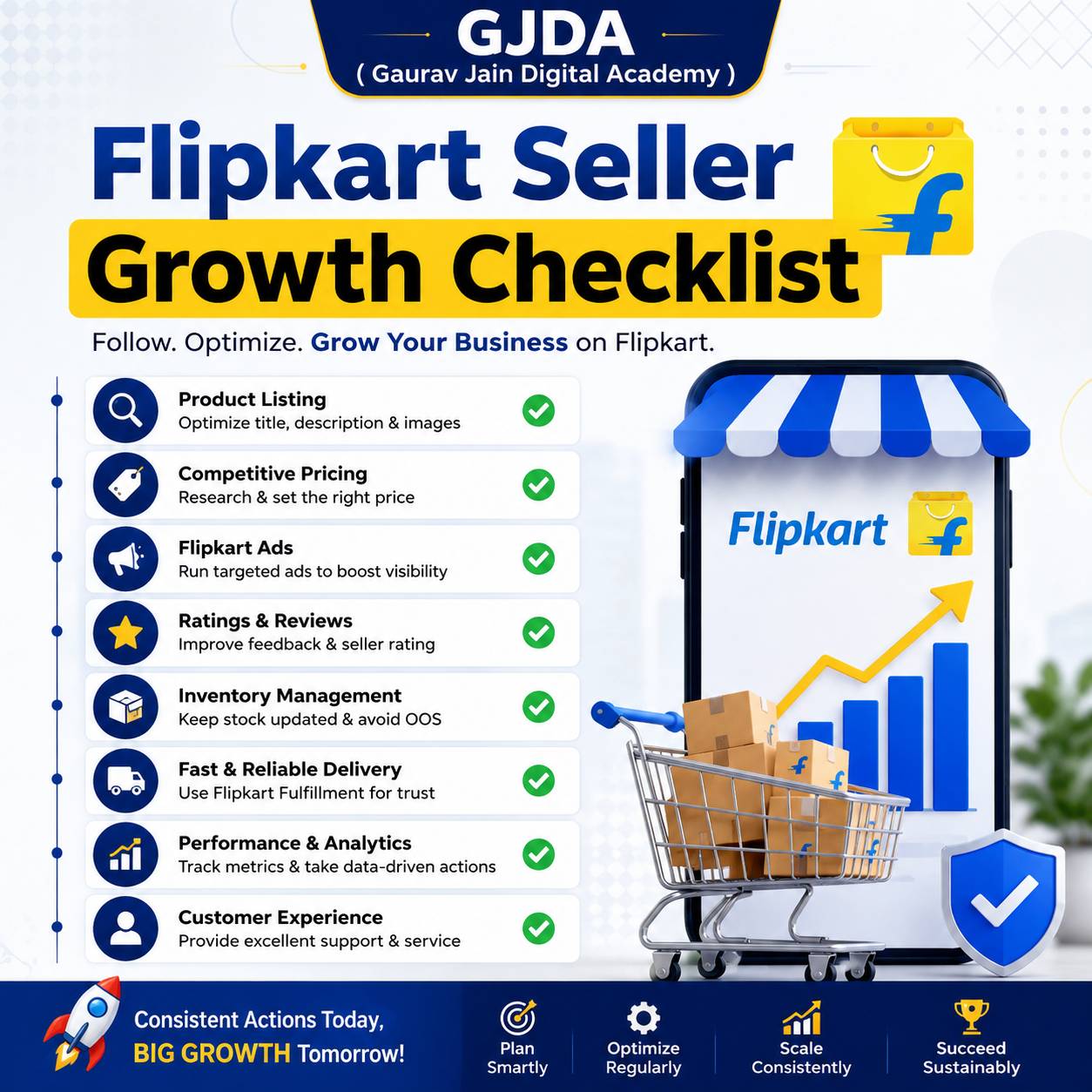
Once your first orders are moving, a structured routine helps, and this Flipkart seller growth checklist is a decent place to see what to review weekly. For ranking and order volume specifically, there is a separate piece on how to increase sales on Flipkart. And later, when basics feel comfortable, advanced selling strategies cover ads and scaling. Not before, though. Fix the foundation first.
Useful tools
- Seller dashboard: orders, returns, payments, listing quality and account health, all in one place.
- A spreadsheet: your cost and margin calculator. Boring, and probably your most valuable tool.
- GST portal and a billing or accounting tool: for invoices and filing, or an accountant if you prefer.
- A phone with a decent camera and a plain background: good enough for clean product photos to start.
- Flipkart's advertising options: worth testing only once a product already converts organically.
Career and business opportunities
Selling is one path. Others branch out of it: managing accounts for other sellers, handling cataloguing and listing work, running product photography, or building a small brand that sells across several marketplaces. Students sometimes start by helping a family business online and grow into account management. Whether it becomes a full-time income depends on category, effort and capital, and I wouldn't promise a number to anyone.
If you would rather learn the full process in a guided way, with live practice instead of trial and error, you can explore the course we run, or check the online classes curriculum to see what is taught. At Gaurav Jain Digital Academy, though, the rule is the same as here: understand the process before paying for anything.
Practical assignment
Do this before you register. It takes an evening.
- Pick one product you could realistically source or make.
- Search it on Flipkart. Note the price range of the first 20 results, the review counts, and the common complaints in the reviews.
- Build a spreadsheet with cost price, packaging, estimated shipping, estimated marketplace fees (look them up in the seller dashboard or fee page), a 10 to 15 percent return allowance, and your target profit.
- Check whether your selling price still beats or matches the market. If it doesn't, pick a different product. That is a useful result, not a failure.
FAQs
Can I become a Flipkart seller without a GST number?
For most categories, GST is needed. Some categories and cases have different requirements, so check the current rules for your product type on the seller portal.
Is there a registration fee?
Registration has generally not been the main cost. Fees come per sale as commission, shipping and similar charges. Verify the current policy on the portal, because it can change.
Can a student or housewife sell on Flipkart?
Yes, if you can meet the legal requirements, mainly GST (where applicable), PAN and a bank account. Age and business registration rules still apply.
Do I need a shop or office?
Not necessarily. You need a valid pickup address where you can store and pack stock. A room at home is common for small sellers.
How long does approval take?
It varies. Clean documents usually move faster, while name mismatches slow things down. Plan for a few days rather than a few hours.
How and when do I get paid?
Flipkart settles your earnings to your bank account after deducting its charges, on a schedule linked to order delivery. Check your dashboard's payment section for the current cycle.
Which products sell best for beginners?
There isn't a universal answer. Light, durable, low-return items with decent margins are easier to handle than fragile or size-sensitive ones.
Can I sell on Flipkart and Amazon together?
Yes. Many sellers do. Just keep stock counts synced so you don't oversell.
Do I need to buy stock first?
You need stock before orders arrive, but you can start small. Testing a few products avoids a large upfront bet.
What if my account gets blocked or my listing is rejected?
Read the reason in the notification, fix the specific issue (often content, documents or policy violations), and raise a support ticket if needed.
Conclusion
Registration is the easy bit: gather your documents, match every name, verify, and you're in. The real work is choosing a product that leaves room for profit after fees and returns, and presenting it well enough that a stranger trusts it. Do the margin assignment first, register second, and keep your first range smal